n8n vs Make (2026): Credits vs Executions
Pick n8n Community if you will own server ops and multi-step volume would burn Make credits. Pick n8n Cloud for per-execution pricing without hosting. Pick Make for a hosted visual builder with less ops work.
Pick n8n Community (self-host) if you are comfortable owning updates, backups and uptime, you care about data residency, and multi-step volume would burn through Make credits. Pick n8n Cloud if you want per-workflow-execution pricing without running a server. Pick Make if you want a hosted visual builder with less ops work, a useful free plan, and you are fine paying in credits.
This is a researched comparison, not a hands-on test.
Prices checked November 2026; currencies and billing periods shown explicitly.
| Product | Free option | Paid from |
|---|---|---|
| n8n | Self-hosted Community Edition | Hosted Starter €20/month, billed annually |
| Make | Free credit allowance | Check current packs and billing terms |
Pricing: Make credits vs n8n executions
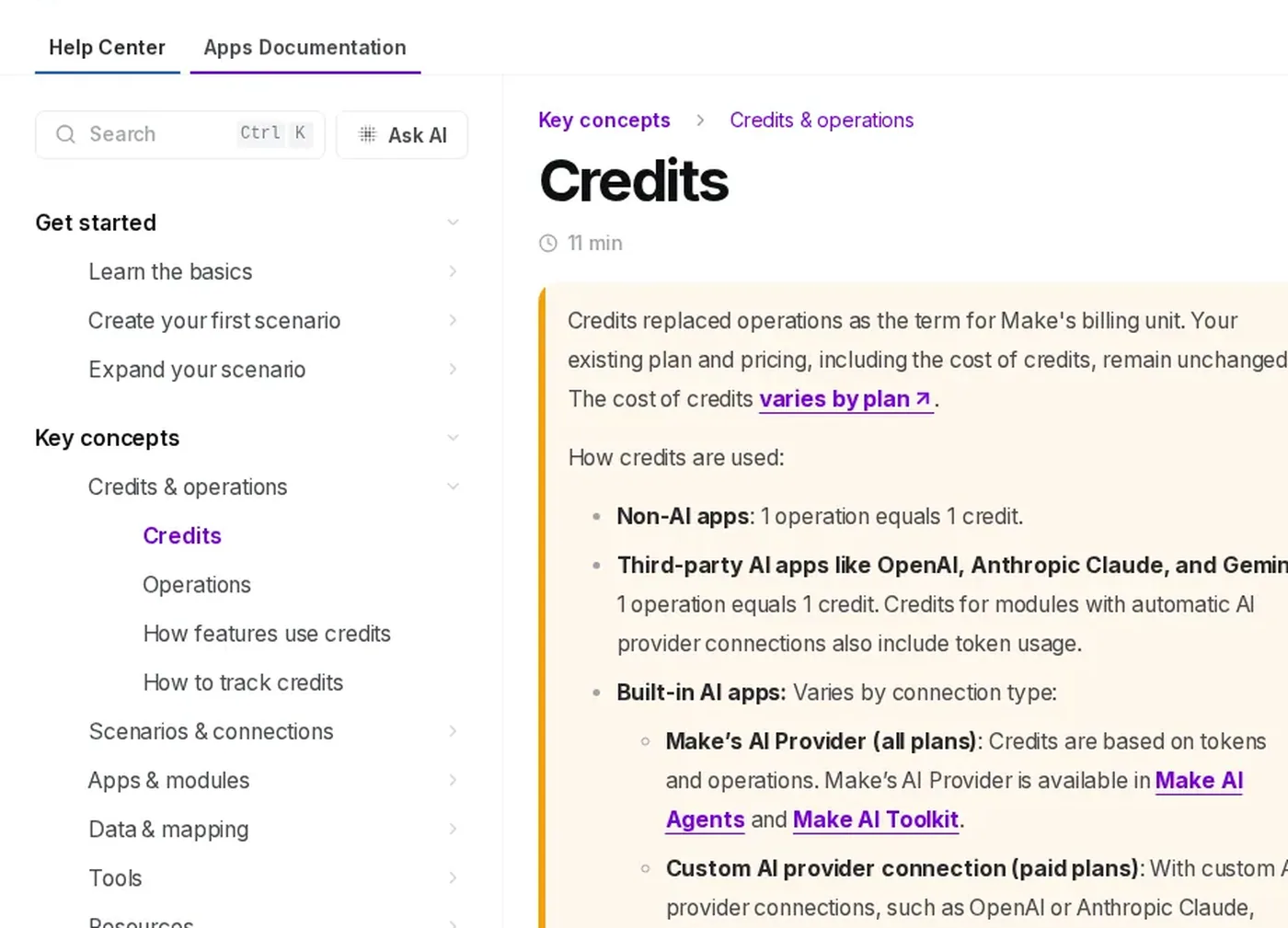
From Make’s Credits help article.
Make counts credits. Per Make's Credits help article, credits replaced "operations" as the billing unit; for non-AI apps, 1 operation equals 1 credit. Make's Operations help says a trigger module that checks for new data counts as 1 operation, and later modules run once per bundle. So a five-module scenario (trigger + four actions) typically uses about 5 credits each successful run for non-AI steps. AI modules can cost more (tokens).
Make plans: Free lists 1,000 credits/month. Compare current paid credit packs and billing terms on Make's pricing page; a workload needs the appropriate pack, not just a low headline price.
n8n counts workflow executions. One start-to-finish run is one execution regardless of step count. Hosted n8n Starter is €20/month billed annually for 2,500 monthly executions; Pro is €50 for 10,000. Business is a separate self-hosted-only plan at €667/month billed annually for 40,000; hosted Business has a waitlist, not a generally available Cloud plan. Community Edition software is free to self-host; hosting and operations are extra.
Cost for a multi-step workload
Assumption: 2,000 runs a month of a five-step automation (Make ≈ 10,000 credits; n8n = 2,000 executions).
| Option | Meter for 2,000 five-step runs | Capacity / price |
|---|---|---|
| Make | About 10,000 non-AI credits | Compare current credit packs and billing terms |
| n8n hosted Starter | 2,000 executions | Fits 2,500 allowance; €20/month billed annually |
| n8n Community | No software execution meter | Free software plus hosting and operations |
At 5,000 runs of the same example, Make needs about 25,000 non-AI credits while n8n needs 5,000 executions, fitting Pro at €50/month billed annually. Different currencies and unconfirmed current Make pack prices do not establish which is cheaper. Self-hosting also adds hosting and operations costs.
Self-hosting reality
Community Edition is free software, not free operations. Per n8n's community-edition docs, Community does not include custom variables, environments, external secrets, projects, SSO (SAML/LDAP), sharing workflows/credentials with teammates, or Git-based version control. Those land on paid Business/Enterprise. Registering Community unlocks a few free extras (folders, debug-in-editor, custom execution data) but not that governance list.
Self-host if data should stay on your infrastructure, multi-step volume would smash Make credit tiers, and someone on the team will own Docker/Linux maintenance.
Skip self-host if nobody wants pager duty for automations, you need SSO/sharing on day one, or you just want a reliable hosted editor — use Make or n8n Cloud.
A small team can run Community without a full-time ops person if the workflows are few, the box is boring (backups + unattended upgrades), and one technical owner is clearly on the hook. It is a poor default for a non-technical solopreneur. Treat "we will just run it on a $6 VPS" as a project with a named owner, a restore drill, and a note on what happens when the disk fills up — not as a free forever Zapier replacement.
Workspace views
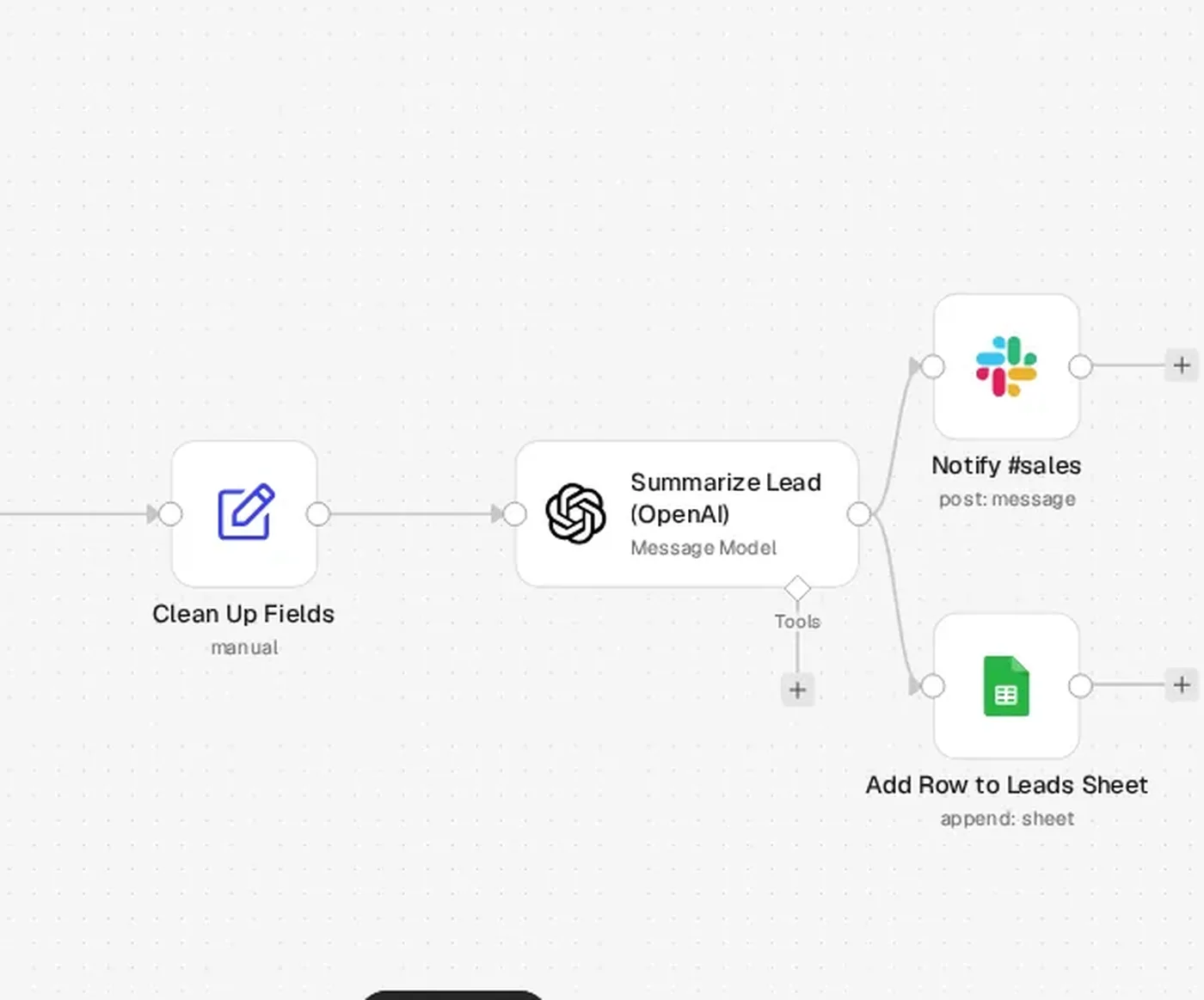
Example workflow set up for illustration; not run.
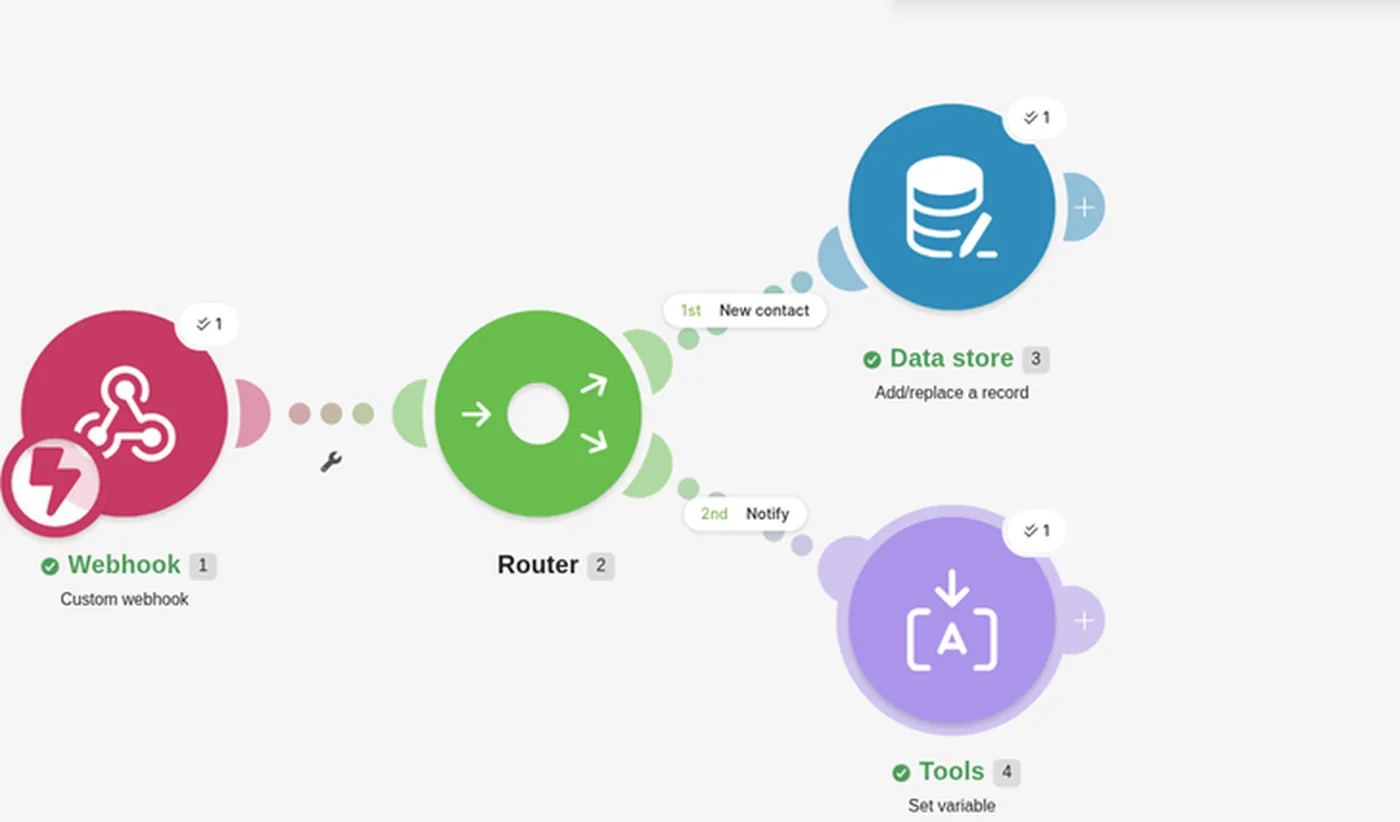
Dummy lead workflow; not executed.
Builder experience
Make is a visual scenario builder: modules on a canvas, routers, and a product shaped for marketers and ops folks who think in flowcharts. Setup is usually faster when you do not want to think about hosting.
n8n is a node editor with code steps, AI/agent nodes and (on Cloud) MCP-related features listed on the pricing page. It feels closer to a developer tool. Cloud plans advertise unlimited users and workflows, with concurrent-execution caps (Starter 5; Pro up to 50 on the pricing page).
If your team ships automations without a developer, Make's canvas is usually the lower-friction path. If you already live in JSON, webhooks and custom code, n8n's editor pays off.
When Make still wins
Be honest: Make is often the better default.
- Non-technical teams that want a hosted visual editor and vendor-managed uptime.
- Low ops appetite — no interest in patching a box or debugging Docker.
- Modest volume where Free (1,000 credits) or a current paid pack already covers the month.
- You want support and a product roadmap aimed at business users, not a self-hosted community edition.
Choose Make when the credit bill at your real volume still beats the time-cost of running n8n yourself. Choose n8n when execution pricing or self-host control is the point.
Apps, reliability and support
Make offers a broad app catalog; Zapier's catalog is larger, which is why Make is often the cost pick rather than the coverage pick (Zapier vs Make). n8n ships a broad node library plus HTTP/webhook and code nodes, so gaps are often fillable if you can wire an API — that is part of why technical teams lean n8n.
On reliability: Make is a hosted SaaS with vendor-managed uptime. Self-hosted n8n is as reliable as the box and process you run (process manager, disk, backups, TLS). n8n Cloud sits in between: hosted by n8n, billed on executions, without you running Docker.
Support differs by plan. Make's paid tiers are aimed at business users. n8n Cloud Starter/Pro list forum support on the pricing page; Business/Enterprise add more governance. Community Edition support is effectively community forums and docs — fine for builders, thin if you need a vendor SLA.
Already on Zapier?
If you are comparing all three, start with Zapier vs Make for the hosted credit-vs-task math, then n8n vs Zapier for self-host vs Zapier's task model. For a wider shortlist see best Zapier alternatives. For practical workflows once you pick a tool, see AI automations for solopreneurs.
Verdict
| If you… | Choose |
|---|---|
| Want hosted, visual, low ops at modest volume | Make |
| Run many multi-step workflows and want per-run pricing without a server | n8n Cloud |
| Need data on your own infra and will own the box | n8n Community (self-host) |
| Are still happy on simple two-step Zaps | Stay on Zapier (see linked posts) |
Try Make Free plan includes 1,000 credits/mo
Try n8n Cloud trial or self-host Community
Get the StackWorthy briefing
One short email when tools worth your money change. No spam.
Frequently asked questions
Is self-hosted n8n cheaper than Make?
Community Edition software is free, but hosting and operations cost money and time. For 2,000 five-step runs, estimate about 10,000 non-AI Make credits versus 2,000 n8n executions; hosted Starter fits that n8n volume at €20/month billed annually. Compare current Make packs and the actual currencies before making a cost ranking.
What do you give up by leaving Make's hosted editor?
You give up Make's managed uptime, visual scenario UX aimed at non-developers, and the free 1,000-credit starter ramp. On n8n Community you also give up several governance features (SSO, projects, sharing, environments, Git version control) per n8n's docs checked November 5, 2026.
Can a small team run n8n Community without a full-time ops person?
Yes if one technical owner will handle updates, backups and monitoring, and the workflow set stays small. It is a weak fit if nobody on the team wants server maintenance — use Make or n8n Cloud instead.
When is Make the better default anyway?
When the team is non-technical, ops appetite is low, volume fits Free or Core credits, and you want a hosted visual builder. Merit over self-host ideology: pick Make when credit cost at your real volume is fine.