Best Zapier Alternatives (2026)
For most solopreneurs and small teams in 2026, Make is the strongest overall Zapier alternative; choose n8n if you are technical. Stay on Zapier for the widest catalog and simplest editor at low volume.
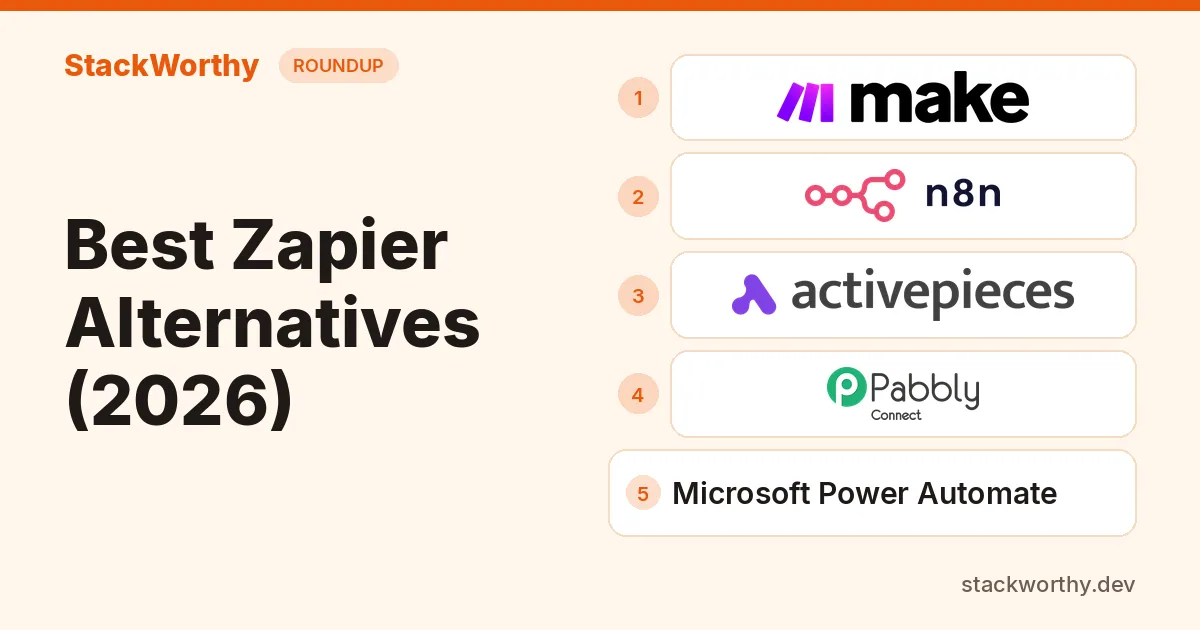
People leave Zapier when multi-step task usage gets expensive, or when they want branching and self-hosting Zapier does not offer. For most solopreneurs and small teams comparing cost and flexibility in 2026, Make is the strongest overall Zapier alternative, with n8n close behind if you are technical. Stay on Zapier if you need the widest app catalog and the simplest editor at low volume.
This is a researched roundup, not a hands-on test.
Zapier baseline workspace
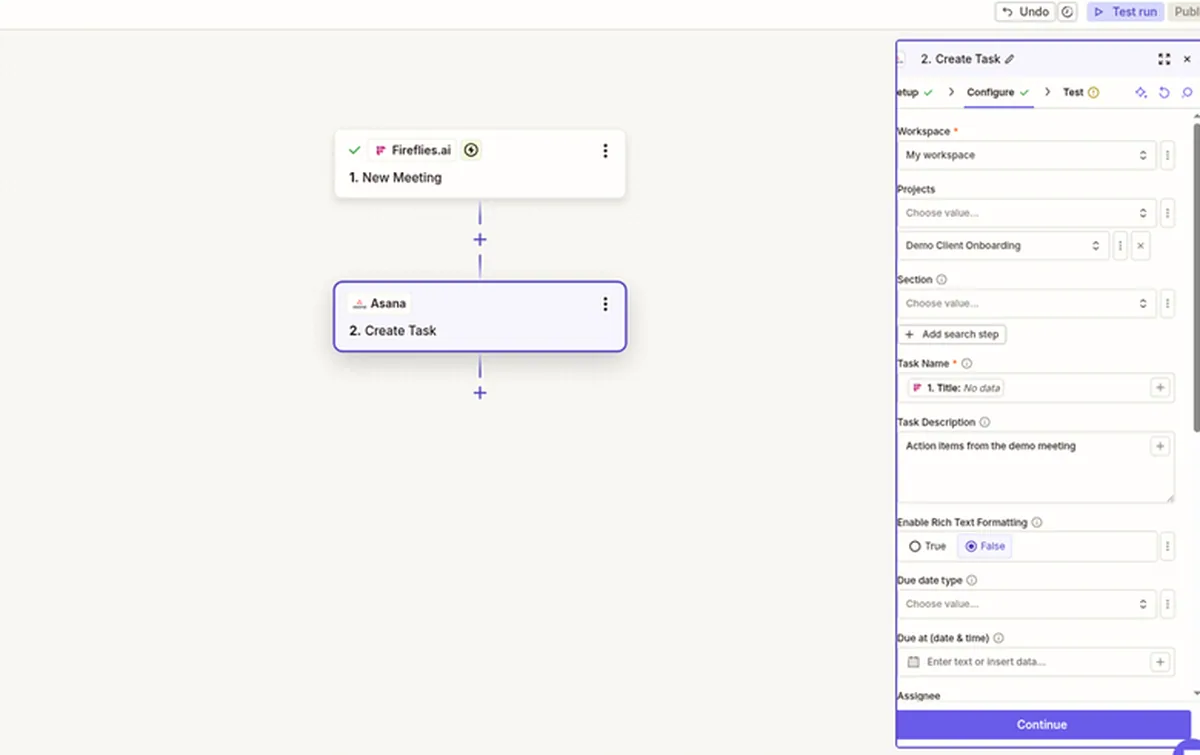
Zapier draft shown configured; Asana action not tested.
Billing models at a glance
| Tool | Billable unit | Free plan (as of Nov 2026) | Self-host? | Paid from (Nov 2026) |
|---|---|---|---|---|
| Zapier (baseline) | Task (successful action; triggers usually free) | 100 tasks/mo; two-step Zaps only | No | Professional $19.99/mo, annual billing |
| Make | Credit (most non-AI modules = 1; trigger counts) | 1,000 credits/mo | No | Check current pricing |
| n8n | Workflow execution (whole run, any step count) | Community Edition self-hosted; Cloud is paid | Yes | Starter €20/mo, billed annually |
| Activepieces | Credit (one run = 1 credit; AI can cost more) | 1,000 credits/mo | Yes (Community) | Plus $20/mo, billed monthly |
| Pabbly Connect | Task (external actions only; internals free) | 100 tasks/mo; 2-step workflows | No | Check current pricing |
| Power Automate | Per-user or per-bot seat | 30-day trial; Premium from $15/user/mo yearly | No (Microsoft cloud / desktop) | Premium $15/user/mo, paid yearly |
Zapier prices: zapier.com/pricing. Make: current credit packs. n8n: n8n pricing. Activepieces: Activepieces pricing. Pabbly: Pabbly Connect pricing. Power Automate: Power Automate pricing.
Quick picks
- Hosted visual workflows: Make for a canvas with routers and error handling; compare current credit packs for your workload.
- Developer control and self-hosting: n8n; choose hosted or self-hosted plans according to operations needs.
- Open-source flow building: Activepieces, with hosted and Community self-hosted options.
- External-action metering: Pabbly Connect; triggers and internal tools are excluded from tasks. Confirm current packs, currency and billing terms.
- Microsoft-centric workflows: Power Automate; check connectors and licensing for your apps.
- Broad app coverage with less setup: stay on Zapier when it already fits your workflow and task allowance.
How we chose
We compared published plans (not invented benchmarks), focused on small-team cost, and linked related StackWorthy posts where they already cover a head-to-head. For meeting-to-task automations that often drive Zapier spend, see how to turn meeting notes into tasks.
1. Make: best overall Zapier alternative
Make
Visual automation builder for multi-step workflows
- Best for
- Small businesses building complex automations on a budget
- Pricing
- Free (1,000 credits/mo). 10,000 credits/mo: Core $12, Pro $21, Teams $38/mo billed yearly; $16 / $28 / $51 billed monthly. 20,000 credits/mo (monthly): $28 / $51 / $94. Enterprise custom.
- Free plan with 1,000 credits per month
- Yearly billing saves $48 (Core), $84 (Pro) or $156 (Teams) a year versus monthly
- On yearly Pro and Teams, credits are available across the whole year rather than per month
- Extra credits are billed on top of the plan
- On yearly Core, credits are still released 10,000 per month
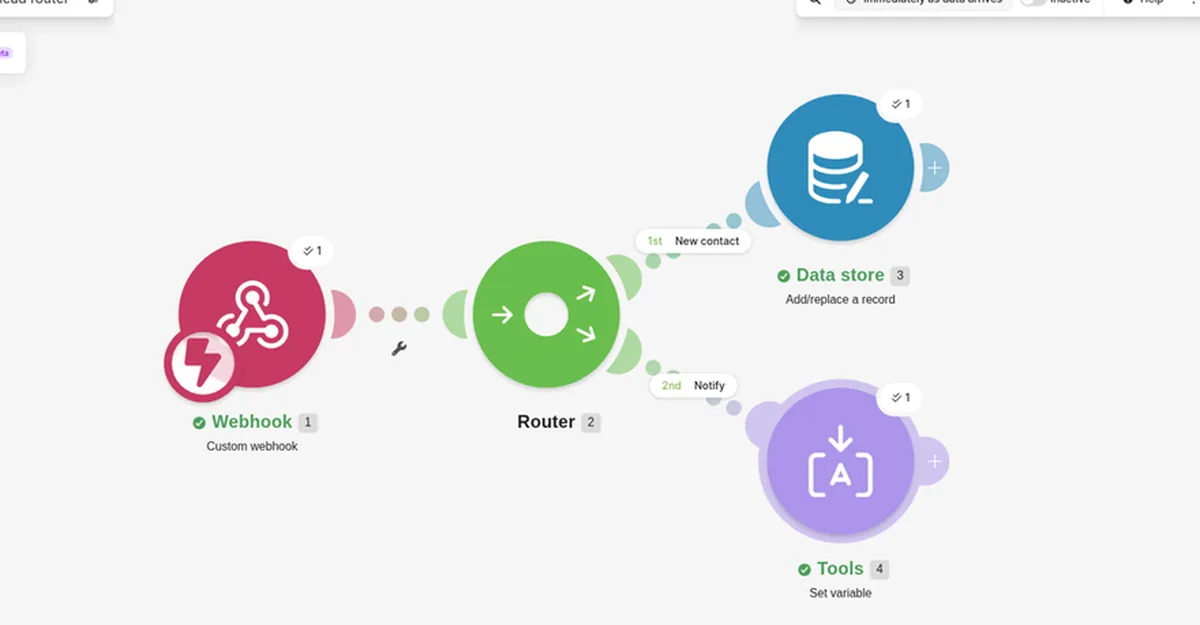
Dummy lead workflow; not executed.
Make (formerly Integromat) is the usual next stop when Zapier multi-step task bills climb. You build scenarios on a visual canvas with routers and error handlers. Make's help center says credits replaced "operations" as the billing name; for non-AI apps, 1 operation equals 1 credit, and the trigger counts each time it checks for data.
Pricing: Make uses credit packs. Compare the current pack size and billing period on Make's official pricing page; do not assume a fixed dollar cost for your workload. See our Zapier vs Make comparison for the metering model.
Who it is for: small businesses that outgrew Zapier Free's two-step limit and care about cost per multi-step run.
Downside: steeper learning curve than Zapier for brand-new automators. Confirm the current tier on Make's site.
2. n8n: best for developers and self-hosting
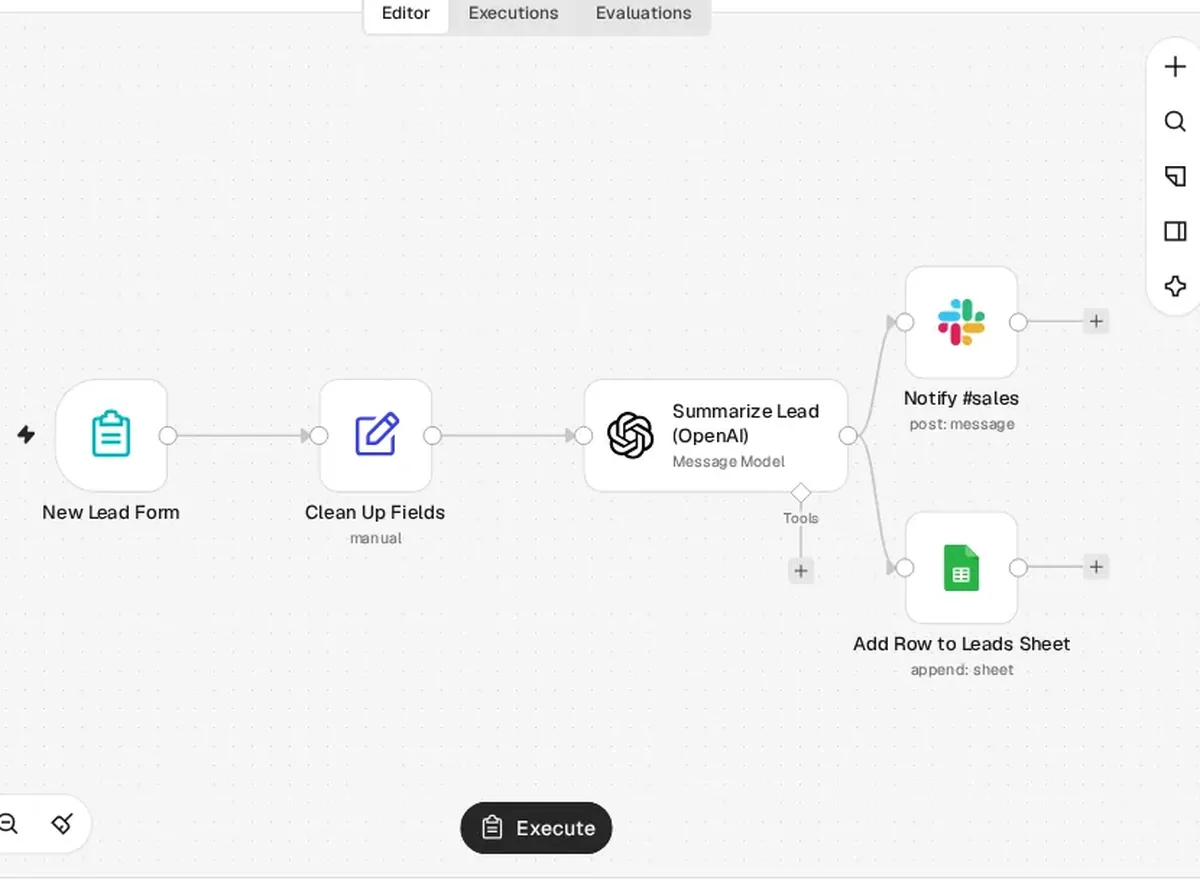
Example workflow set up for illustration; not run.
n8n bills Cloud plans by workflow execution: one start-to-finish run counts as one execution no matter how many steps, according to n8n's pricing. That is the opposite of Zapier's per-action tasks.
Hosted n8n Starter is €20/month billed annually for 2,500 monthly executions; Pro is €50 for 10,000. Business is a separate self-hosted-only plan at €667/month billed annually for 40,000; hosted Business has a waitlist, not a generally available Cloud plan. Community Edition software is free to self-host; hosting and operations are extra.
Who it is for: technical solos and small teams with high multi-step volume, or anyone who needs data residency via self-hosting. Full head-to-head: n8n vs Zapier.
Downside: Community Edition omits SSO, projects, sharing, environments, Git version control and several governance features (n8n docs: community edition features). Self-hosting means you own updates, backups and uptime.
3. Activepieces: best flat $20 cloud alternative with self-host option
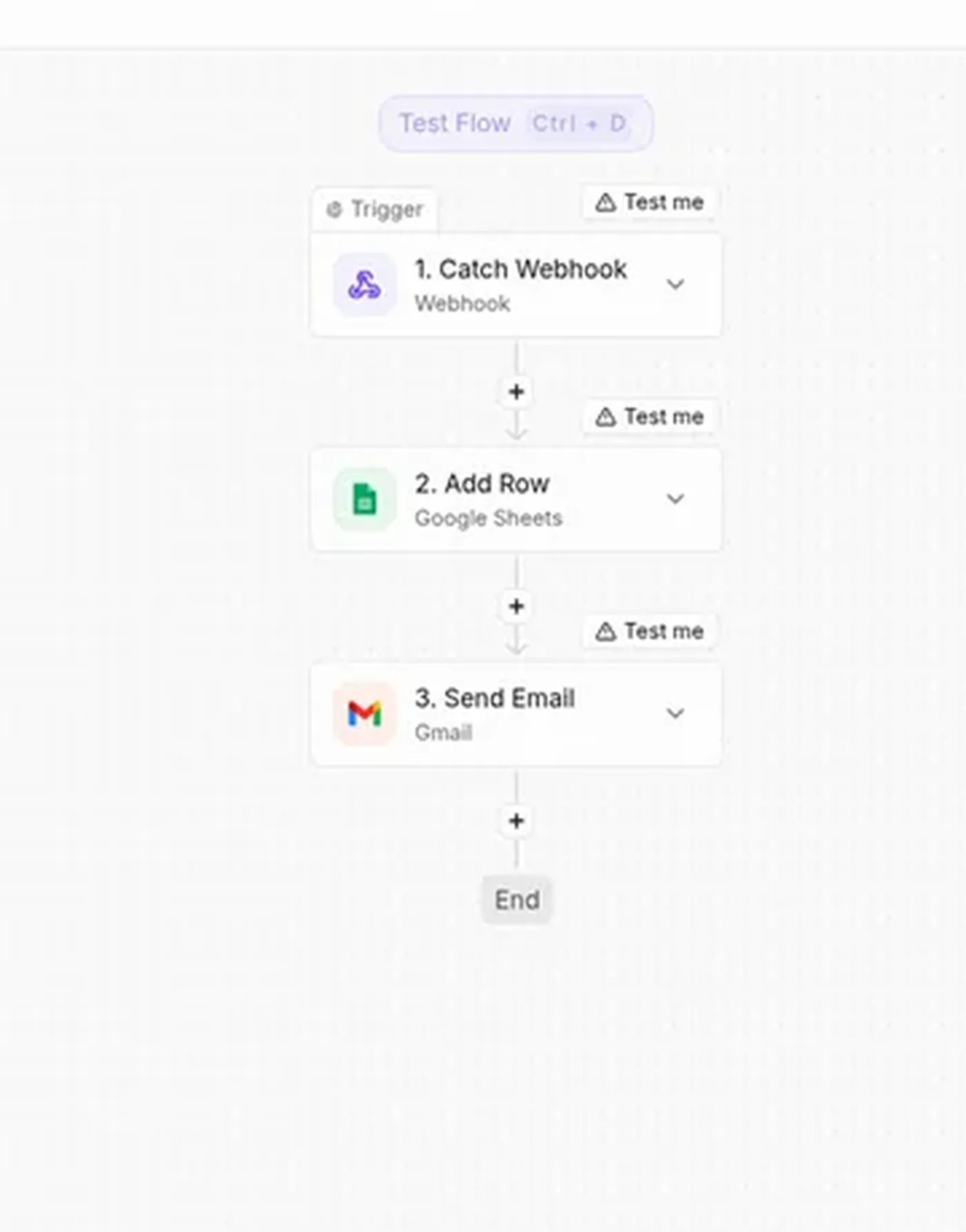
Draft example; not executed.
Activepieces
Open-source automation with flows, AI agents and MCP
- Best for
- Small teams wanting a cheap flat-price Zapier alternative with an open-source option
- Pricing
- Free $0 (1,000 credits/mo, daily reset, up to 5 users); Plus $20/mo flat (10,000 credits); Team $200/mo flat (50,000 credits, 25 users); Ultimate custom; overage $0.007/credit
- Generous free plan with unlimited flows
- Flat pricing, not per user
- Open source; cloud or on-prem on every plan
- Plus is limited to 5 users
- Big jump from Plus ($20) to Team ($200)
Activepieces: Free $0 with 1,000 credits/mo (up to 5 users); Plus $20/mo flat with 10,000 credits; Team $200/mo with 50,000 credits. Their FAQ says a flow run is normally one credit, with AI steps costing more unless you bring your own AI keys (Plus and up). Community self-host is available.
Who it is for: builders who want an open-source-friendly tool with a simple Plus price before jumping to n8n ops work.
Downside: smaller ecosystem than Zapier or Make; overages on Plus/Team are $0.007 per credit per the pricing FAQ.
4. Pabbly Connect: best when external-action metering and flat task packs fit
Compare Pabbly Connect task packs
Pabbly Connect counts external action steps as tasks; triggers and internal tools such as filters, routers and formatters do not count. Free lists 100 tasks/month and two-step workflows. Compare current paid task packs, currency and billing terms on the official page before buying.
Who it is for: cost-sensitive operators who want external-action-only metering and are fine confirming currency and billing term on Pabbly's checkout.
Downside: app directory and UX polish trail Zapier; billing-period labeling on the public pricing cards is ambiguous, so verify before you buy.
5. Microsoft Power Automate: best if you are already on Microsoft 365
Microsoft Power Automate
Microsoft's low-code automation for Microsoft 365 and desktop RPA
- Best for
- Teams already on Microsoft 365 who need cloud and desktop automation
- Pricing
- 30-day free trial (standard connectors); Premium $15/user/mo paid yearly; Process $150/bot/mo paid yearly; Hosted Process $215/bot/mo paid yearly
- Includes attended desktop RPA in Premium
- Deep Microsoft 365 / Dataverse integration
- Standard, premium and custom connectors on paid plans
- Free option is a 30-day trial, standard connectors only
- Per-user and per-bot licensing gets complex
Power Automate: Premium $15/user/mo paid yearly (cloud flows, attended desktop flows); Process $150/bot/mo; Hosted Process $215/bot/mo. Free trial available. Standard connectors only on the free trial path; Premium unlocks premium/custom connectors per Microsoft's plan table.
Who it is for: teams standardized on Outlook, Teams, SharePoint and Excel who want automation inside that stack.
Downside: seat- and bot-based pricing can cost more than Make/n8n for pure SaaS-to-SaaS glue; licensing footnotes are dense — read Microsoft's licensing guide before you buy Process/Hosted Process.
Cost at volume (researched example)
For the capacity example below, count one n8n execution per workflow run. For other tools, count the actual successful actions, modules or credits rather than assuming equal billable units.
For 5,000 or 10,000 monthly runs, n8n Pro's 10,000-execution allowance fits at €50/month billed annually (10,000 is the cap). Zapier tasks depend on successful actions; Make credits depend on modules and bundles. Compare current packs in their stated currencies; no exchange-rate or savings ratio is assumed.
Which one should you choose?
| If you… | Choose |
|---|---|
| Want a hosted visual builder with routers and error handling | Make; compare current credit packs for your workload |
| Are technical and want execution-based pricing or self-host | n8n |
| Want a simple $20 cloud plan with open-source roots | Activepieces |
| Live in Microsoft 365 already | Power Automate Premium |
| Want external-action-only metering | Pabbly Connect |
| Run low volume and need maximum apps with minimal learning | Stay on Zapier |
Alternatives we left out
IFTTT is fine for personal, one-trigger lifestyle automations — not a Zapier replacement for client ops. Enterprise iPaaS (Workato, Tray and similar) is aimed at larger IT budgets. Confirm any vendor sunset notices (for example Pipedream product changes) on the vendor site before you rely on them.
See Make's current plans Free plan includes 1,000 credits/mo
Get the StackWorthy briefing
One short email when tools worth your money change. No spam.
Related: Zapier vs Make for small businesses · n8n vs Zapier · n8n vs Make · Turn meeting notes into tasks
Frequently asked questions
What is the cheapest Zapier alternative for high multi-step volume?
There is no universal cheapest option. Count successful Zapier actions, Make credits and n8n executions for the same workload, then compare current packs and currencies. n8n hosted Starter is €20/month annually for 2,500 executions and Pro €50 for 10,000; Community software is free to self-host, with hosting and operations extra. Pabbly paid currency/billing must be confirmed before a numerical recommendation.
Is Make or n8n closer to Zapier's ease of use?
Make is closer for most non-developers: visual scenarios without self-hosting. n8n is more powerful for builders comfortable with nodes, APIs and (optionally) servers. Zapier remains the gentlest start.
Can I self-host a Zapier-like tool?
Yes. n8n Community Edition and Activepieces Community can be self-hosted. Zapier and Make are hosted SaaS only. Self-hosting shifts update, backup and uptime work onto you.
Is Power Automate worth it if I already pay for Microsoft 365?
Often, if your flows stay inside Microsoft apps. Premium is $15/user/mo paid yearly (checked November 4, 2026). If most of your stack is non-Microsoft SaaS, compare Make or Zapier on connectors first.
When should I stay on Zapier?
When you need the widest app catalog, low monthly task volume, and the least time learning a new builder — especially on Free (100 tasks, two-step) or low Professional tiers.